Getting Started with cURL

Software Engineer | Passionate about Web Development, DSA & Problem Solving. I write simple, practical tech blogs to help developers learn and grow. Exploring JavaScript, C++, Backend & Modern Web Technologies.
Before cURL: What is a Server and Why Do We Need to Talk to It?
A server is simply a computer that:
Stores data
Runs applications
Responds to requests from users
When you open a website:
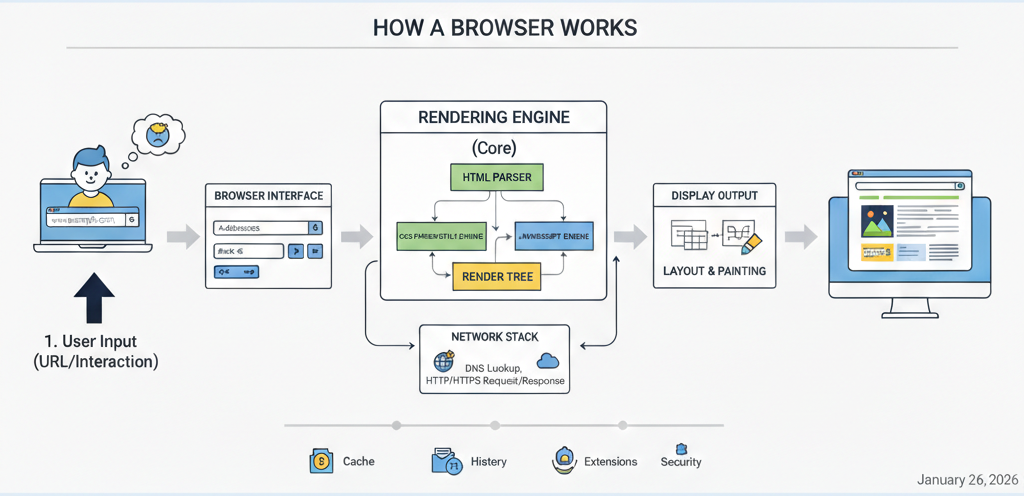
Your device sends a request to a server
The server sends back a response (HTML, JSON, data, etc.)
This request–response communication is the foundation of the web.
What is cURL?
cURL is a command-line tool used to send requests to a server and see the response.
In simple words:
cURL lets you talk to a server from the terminal.
It works with:
Websites
APIs
Backend services
You type a command → server responds → you see the result.
Why Programmers Need cURL
Programmers use cURL to:
Test APIs
Check server responses
Debug backend issues
Learn how HTTP works
Verify if a server is up or not
Unlike a browser:
cURL is fast
cURL is simple
cURL shows raw responses
For backend developers, cURL is like a basic testing tool.
Making Your First Request Using cURL
Let’s start with the simplest possible command.
curl https://example.com
What happens here?
cURL sends a request to example.com
The server sends back a response
cURL prints that response in the terminal
This is similar to opening a website — but without a browser
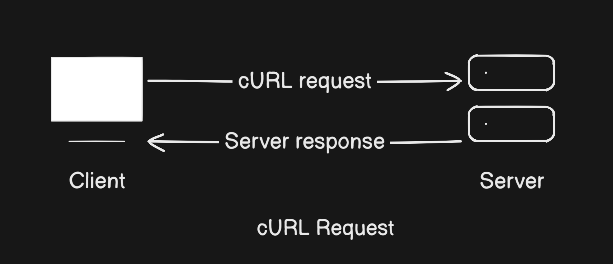
Understanding Request and Response (High Level)
Every communication using cURL follows this pattern:
Request
Sent by client (you)
Contains:
Method (GET / POST)
URL
Optional data
Response
Sent by server
Contains:
Status code (200, 404, etc.)
Data (HTML, JSON, text)
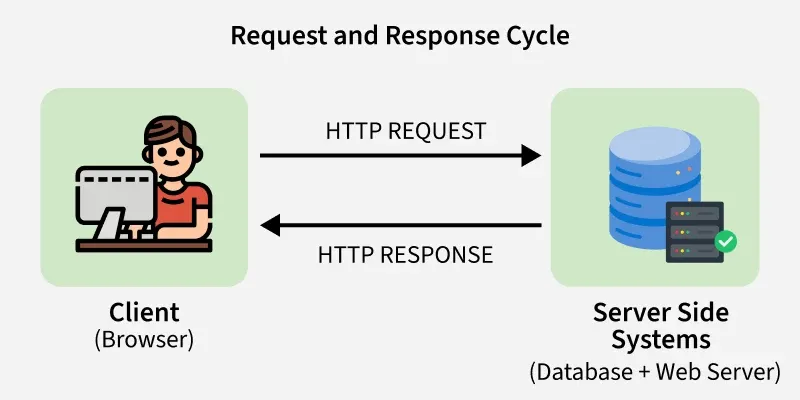
Using cURL to Talk to APIs
APIs are servers that return data instead of web pages.
Example:
You will see:
JSON data
Metadata about the API
This is extremely useful because:
Backend developers work with APIs daily
cURL helps test APIs quickly without writing code
Introducing GET and POST (Only the Basics)
GET Request
Used to fetch data.
curl https://api.github.com/users/octocat
GET means:
“Give me information”
POST Request
Used to send data.
curl -X POST https://example.com
POST means:
“I want to send something to you”
For now, just remember:
GET = read data
POST = send data
Browser Request vs cURL Request
When you open a website:
Browser sends the request
Browser formats the response nicely
With cURL:
You send the request manually
You see the raw response
This makes cURL perfect for:
Learning
Debugging
Backend testing
Where cURL Fits in Backend Development
In backend and production systems:
cURL is used to test APIs
cURL checks server health
cURL helps debug issues quickly
Even experienced engineers use cURL daily.